In the world of niche-hobby management, few phenomena are as widely recognized—or as mentally taxing—as the ever-growing collection of unbuilt and unpainted miniatures. Often referred to within the community as a “pile of shame,” this backlog represents a significant organizational challenge that extends beyond the physical space the boxes occupy. For many collectors, the problem is not a lack of interest, but a lack of visibility.
When a collection grows past a certain point, memory alone becomes an insufficient tool for tracking progress. Without a clear, structured view of what is currently on the workbench versus what remains untouched in its original packaging, hobbyists often experience a form of “project paralysis”. From the perspective of a recording-tool developer, this is fundamentally an information-design problem. To sustain a hobby long-term, one needs a reliable system to transition from the anxiety of a “pile” to the clarity of a “pipeline”.
The four stages
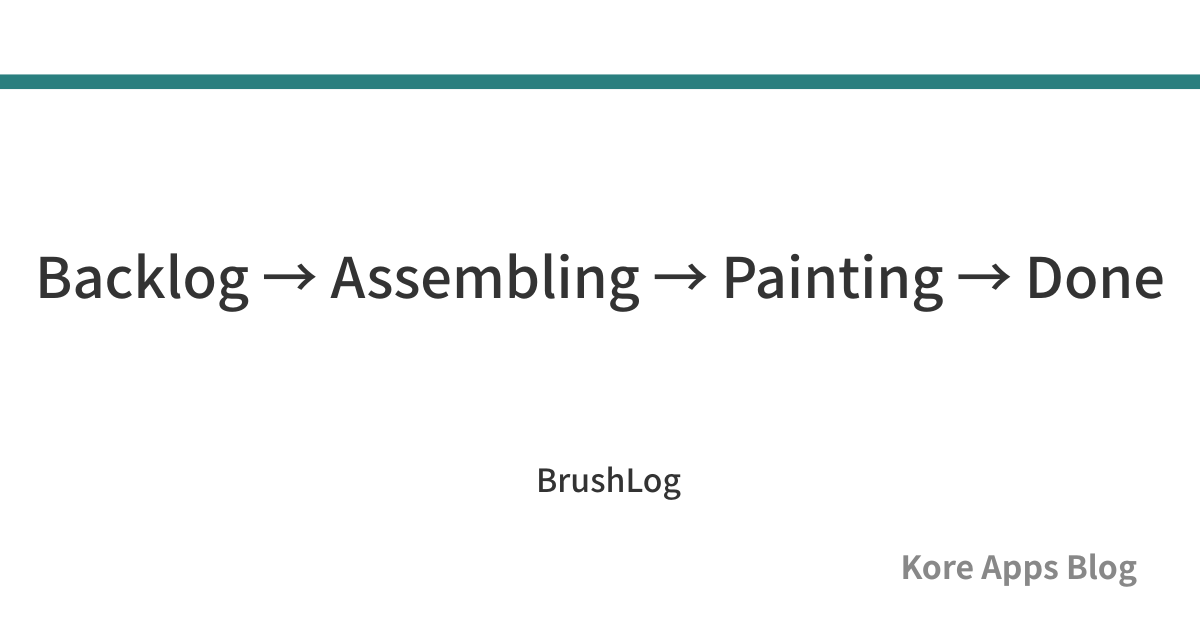
To manage a collection effectively, we must move away from vague impressions of progress and toward defined, linear stages. In our design of the BrushLog system, we utilize a four-stage build-status system that tracks a miniature from the moment it is acquired until it is fully completed:
- Backlog: These are miniatures that are currently unstarted and often still in their original retail packaging. In a recording system, this stage represents the “input” of the pipeline, allowing you to acknowledge what you own without the immediate pressure to begin work.
- Assembling: This stage covers miniatures that have been removed from the sprue and are in the process of being cleaned, glued, or converted. Recording a miniature as “assembling” provides a clear marker that the physical transition from product to project has begun.
- Painting: This refers to miniatures that are actively on the painting desk. Because painting is often the most time-intensive part of the hobby, this stage acts as the “active” zone of your workbench, signaling which projects are currently consuming your creative resources.
- Done: These are the finished works, ready for the tabletop, display, or photography. Moving a miniature to this stage provides a definitive “output” record, clearing it from your active mental queue.
Why a pipeline view beats a binary “painted or not” list
Traditional methods of tracking often rely on a binary “painted or unpainted” distinction. However, for a complex hobby involving multiple steps of preparation, this binary approach is too broad to be useful for daily decision-making.
By splitting progress into four distinct stages, a hobbyist can view their collection as a production pipeline. This level of granularity allows for much more effective management of “mental load”. For example, instead of looking at a list of 50 “unpainted” miniatures and feeling overwhelmed, a user can filter their records to view only the “Painting” stage. This allows them to pick up a project that is already 70% complete rather than inadvertently starting something new from the “Backlog”.
Furthermore, this pipeline approach assists in “sustainable operating habits”. When you can see exactly how many models are stuck in the “Assembling” phase, you can make an informed decision to pause new purchases until those models have moved forward to the “Painting” or “Done” stages. This structural clarity transforms a collection from a source of guilt into a manageable workflow.
Status alongside search and manual sorting
A robust status system is only effective if the data remains accessible and organized as the collection scales. To facilitate this, we designed the recording system to support both high-level filtering and specific search queries.
Users can search for miniatures by name or series, allowing for instant retrieval of specific records regardless of their current build stage. When paired with status filters, this becomes a powerful tool for project management. For instance, you might search for a specific “Series” and filter for “Backlog” to see exactly how many units are left to build for a particular army or game set.
In addition to these structural filters, we include the ability to manually reorder the list. It is important to note that this is a convenience feature rather than an algorithmic or automatic sorting method. By allowing users to manually adjust the display order of their miniatures, priority projects can be kept at the top of the list, regardless of their alphabetical name or series. This ensures that the most important current tasks remain visible every time the record is opened, preventing them from being buried by newer entries.
How BrushLog handles this
We developed BrushLog to specifically address the problem of the “forgotten” or “mismanaged” collection. The app implements the four-stage status field—Backlog, Assembling, Painting, and Done—as a core part of every miniature record.
To suit different organizational styles, BrushLog supports toggling between a list view and a grid view. The grid view is particularly useful for those who want a visual gallery of their progress, while the list view provides a clear, detailed breakdown of names, series, and status chips.
One of our primary goals was to ensure that basic collection management remains accessible to everyone. Therefore, the build-status tracking, status filtering, manual reordering, and search features are all included in the free tier of the app. Whether you are a casual collector or a Pro user with an unlimited registration count, these core management tools are available to help you organize your hobby.
BrushLog is built with a “privacy-first” philosophy; all your records and photos are stored locally on your device with no account registration required.
Download BrushLog on the App Store: https://apps.apple.com/us/app/brushlog/id6763442950
Summary
Managing a miniature backlog effectively requires moving beyond a simple “painted or unpainted” list and adopting a four-stage pipeline view. By categorizing models as Backlog, Assembling, Painting, or Done, and utilizing manual sorting and status filters, you can reduce the mental load of your collection and maintain a sustainable hobby workflow.
For a broader look at the different systems available for managing your hobby data, see our comprehensive guide: Notebook, Spreadsheet, or App? How Miniature Painters Should Track Recipes and Progress
This article organizes information from a recording and organizing perspective. If you notice an error or outdated information, please contact us. Last verified: July 2026